> ## Documentation Index
> Fetch the complete documentation index at: https://docs.voicemetrics.ai/llms.txt
> Use this file to discover all available pages before exploring further.
# Custom Field
> Custom Fields capture unique data, like preferences or attributes, tailored to your business needs.
## **Why Use Custom Fields?**
* Personalize communication.
* Adapt to specific needs.
* Gain better insights.
* Organize records efficiently.
## **How to Create Custom Fields**
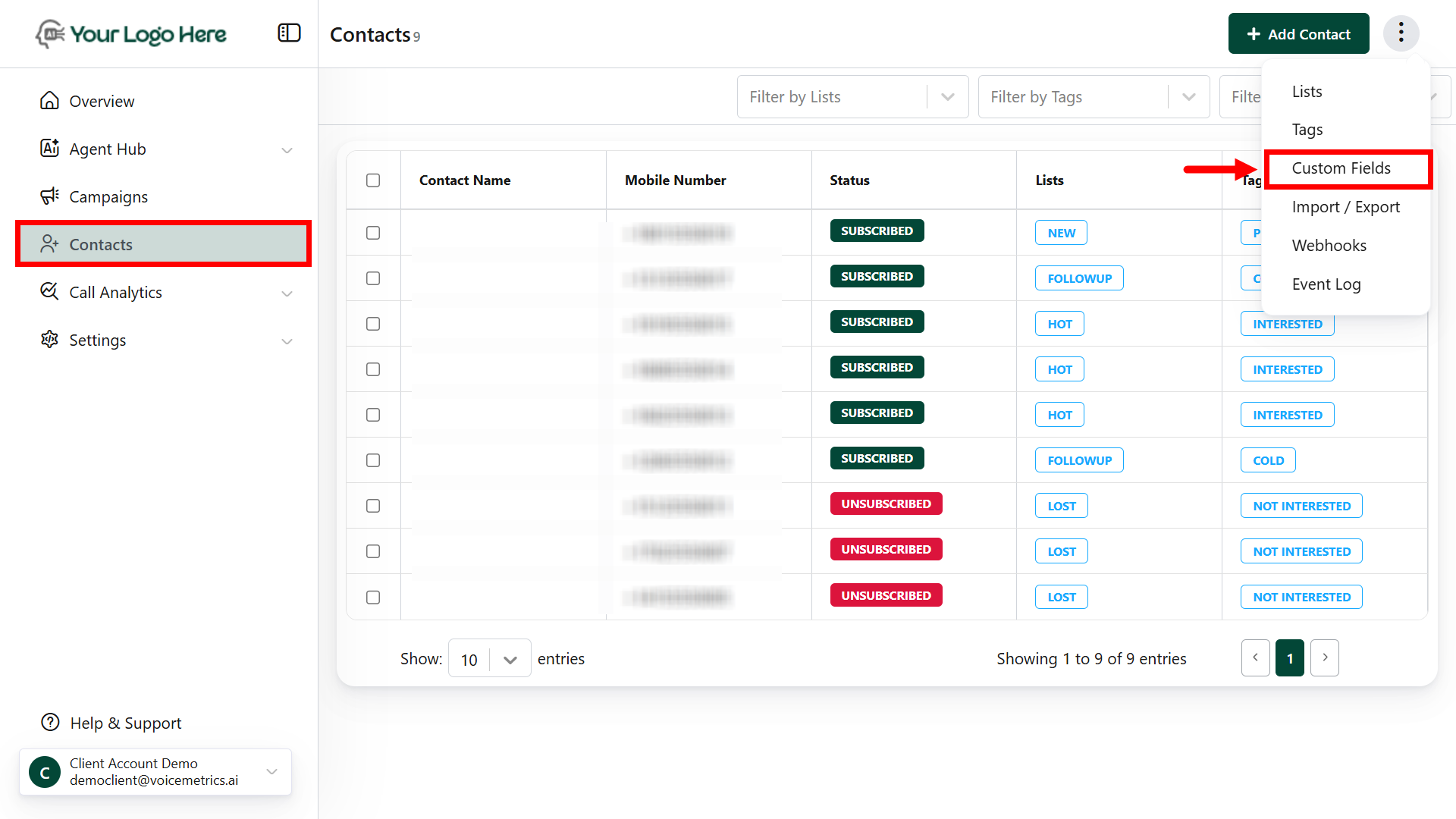
1. Go to **Contacts** > (**⋮**) > tap Custom Fields
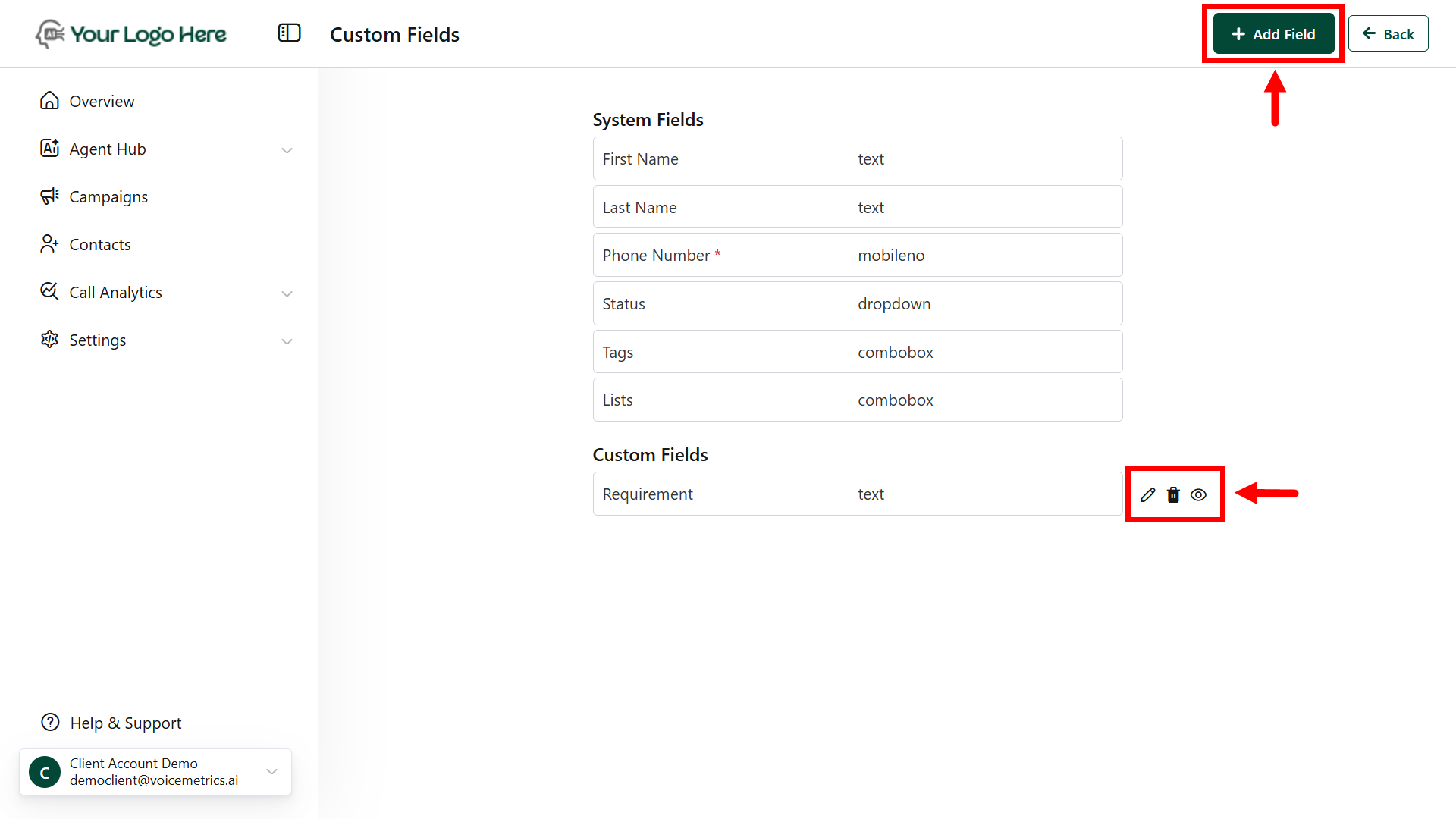
2. Click **Add Field** and name it.
3. Choose a **field type** (e.g., text, dropdown).
4. Mark as mandatory (**optional**) and click **Save**.
 **System Fields can’t be edited**, but Custom Fields can be hidden or modified as needed.